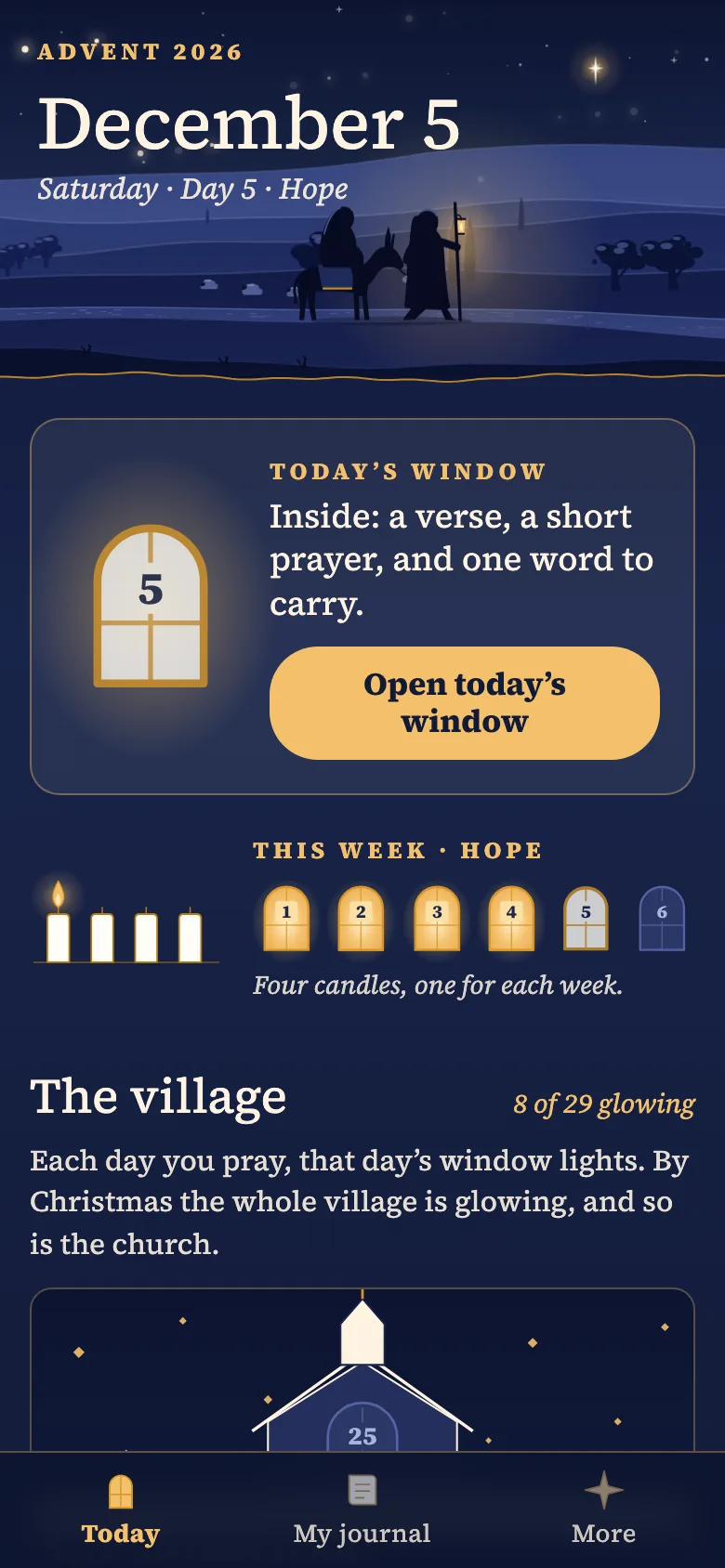
Open it on your phone
Open my Advent journalIt opens in your browser. You don’t need to install anything to begin.
The first window opens November 27. Advent begins Sunday, November 29.
Keep it on your Home Screen
iPhone or iPad: open the journal in Safari, tap Share, then Add to Home Screen.
Android: open it in Chrome, open the three-dot menu, then look for Add to Home screen or Install app. The wording can vary.
You can also bookmark it and keep using it in your browser.
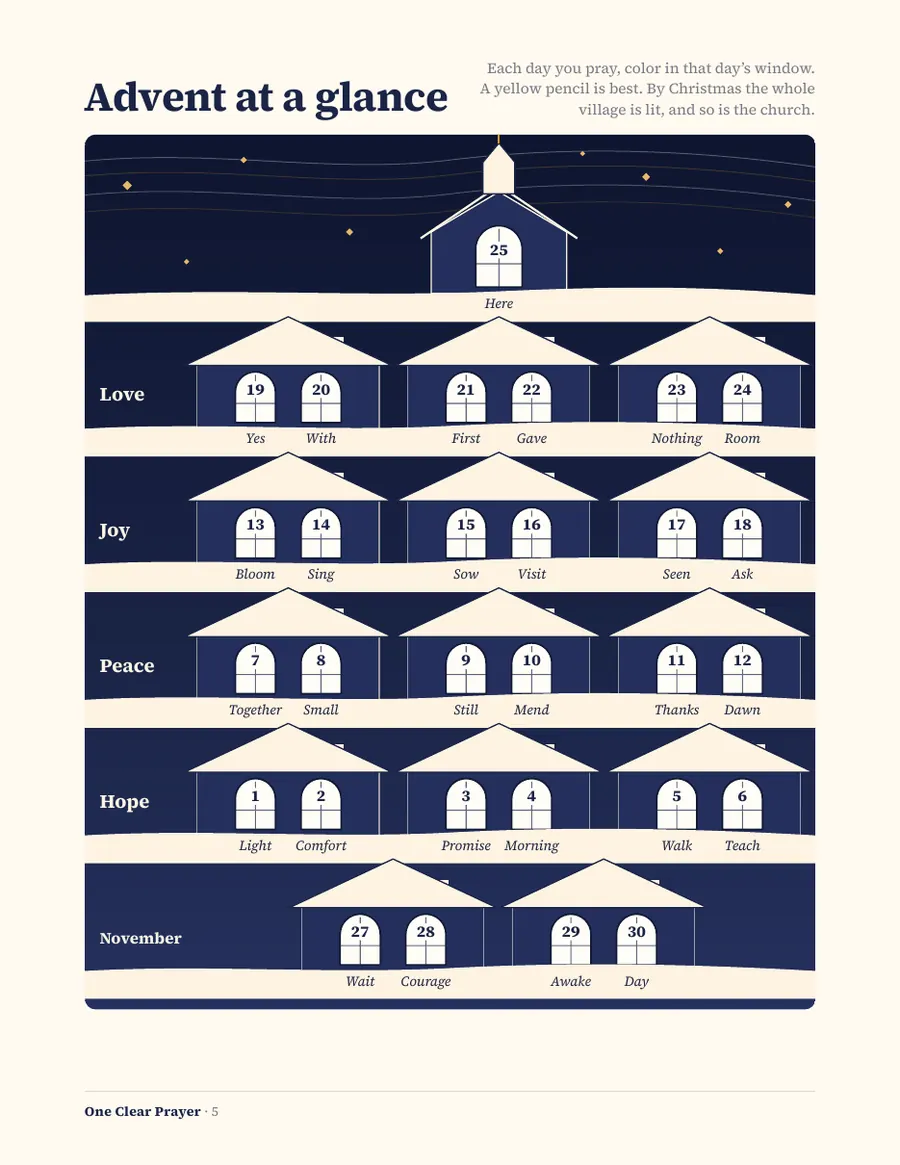
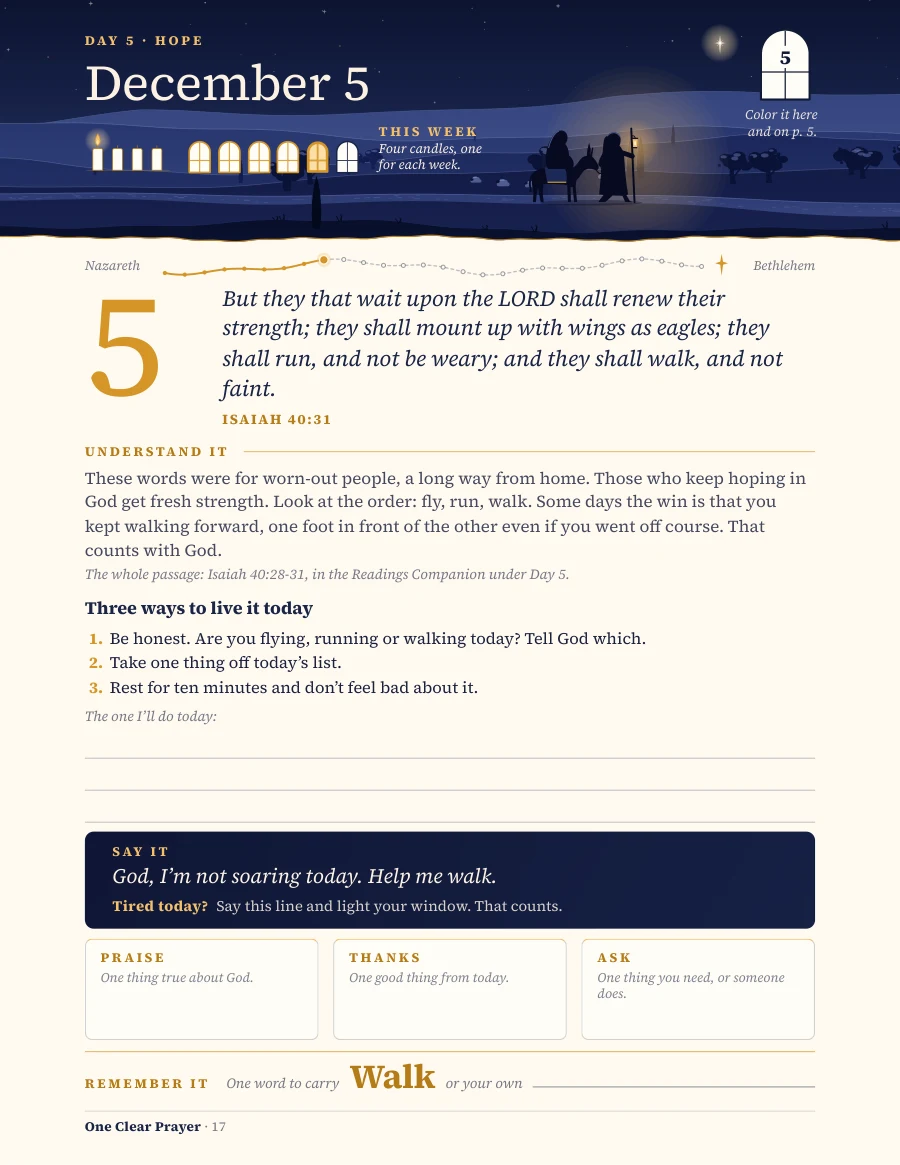
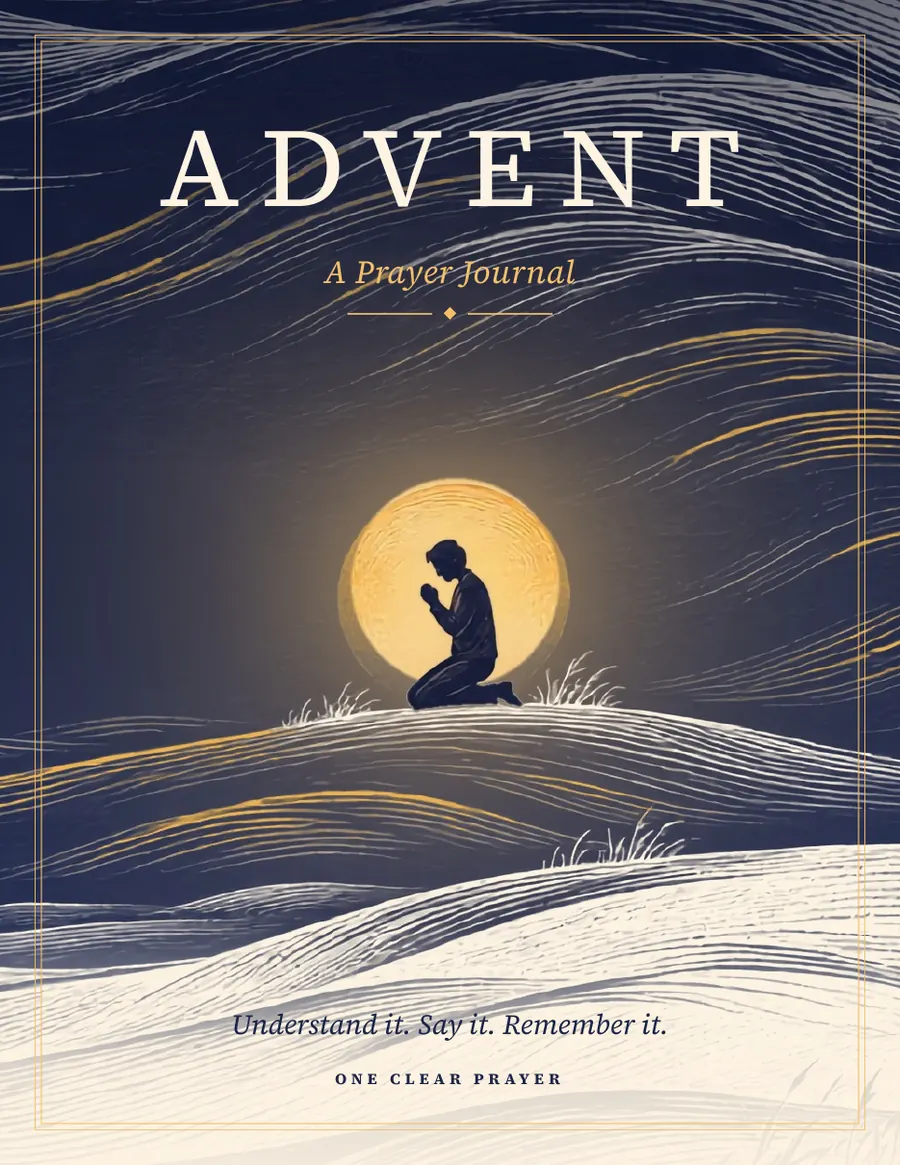
Or print it
48 pages, with lines to write on.
What happens next
- A window opens each day until Christmas morning.
- One free prayer letter comes each Sunday after signup.
- Missed a few days? Everyone does. Pick up today.
Give it to someone
Is someone on your mind?
Spread the word. Share this gift with 2 others that need it this season. They can request their own free copy.
A free Advent journal, one verse and one short prayer a day. On your phone or printed at home. Thought of you.oneclearprayer.com/advent